Product truth is incomplete
Shape, label, material or interaction evidence is missing.
Lock the real product first. Build an approved first frame. Turn it into buyer-question-led ecommerce creative. Then direct motion, camera behavior and continuity without losing product truth.
A strong source image supports video quality but does not guarantee it. Motion physics, temporal continuity, claims and final human QA remain separate gates.
Video generation magnifies whatever is already wrong. If the label, shape, material or contact is unsupported in the source frame, motion can turn that small defect into visible morphing, flicker or impossible physics.
Shape, label, material or interaction evidence is missing.
The image looks polished, but it no longer matches the product.
Hands, liquids, surfaces and camera movement expose the error.
Correct the source or motion defect, then run continuity QA again.
Diagnose defects, lock references and build one believable source frame.
Use a portable workflow to brief, score, hold and revise image drafts.
Build Shopee positions, posters and buyer-question-led test plans.
Add camera behavior, physical motion, shot continuity and post-production.
All three image paths are self-guided digital products with protected portal delivery. The advanced Video course is the destination, but its checkout stays closed until its teaching fixtures and lessons pass QA.
Build and review the first believable product frame.
Use your own AI with a reference-gated direction and correction workflow.
Build Shopee listing roles, promotional posters and controlled test plans.
Motion physics, camera behavior, continuity and assembly. Checkout is not open yet.
Preview the Video pathScroll-stopping is easy. Getting someone to tap "Add to Cart" after looking at your product image — that's where thousands of ringgit go to die every month.
The label is off, the color shifted, the size changed. Your buyer catches it before you do — and buys from the competitor whose phone photo looks more honest.
→ Shoot fee wasted. Buyer trusts a competitor's phone snap more than your studio shotPlastic skin, zero-gravity objects, over-perfect lighting. The ad screams "generated" and your brand feels cheap and careless.
→ They scroll past. Your ad spend is burned before the product gets a chanceHero, detail, use-case, scale and objection — five chances to answer a buyer question. The designer doesn't know your product, so all five are wasted.
→ Design fee spent. Buyer can't decide, opens the competitor's listingScene, copy, angle and message all changed at once. Every generation is a gamble. You learn nothing, and next month you start the same cycle again.
→ Time, credits, confidence — all burned. Same loop next monthBetter-looking images won't fix a broken offer, wrong audience or bad checkout. Every frame needs a buying job — and every result needs honest context.
A click does not prove that the product, offer or destination convinced the shopper.
Creative, price, offer, listing, checkout, traffic quality and measurement can all contribute.
Use it as an observed business signal—not a claim that one image caused the result.
Photography + design + revisions + aimless AI rerolls. Do the math — this is what most Malaysian ecommerce teams actually pay every month.
Start with the job blocking you now. Each stage inherits the controls before it, so image realism becomes the foundation for campaign design and advanced video direction.
Learn to diagnose the exact defect — product drift, fake light, broken contact — then direct a targeted fix instead of random rerolls.
Choose: Stop guessing → RM99Get a portable Director that interviews you first, locks your product truth, writes the prompt, and scores every draft — in your own AI.
Choose: Direct with confidence → RM299 · COMPLETE IMAGE SYSTEMDesign each listing position around one buyer question, build posters with exact copy and clear hierarchy, plan single-variable tests.
Choose: Design for the buyer → VIDEO · ADVANCED PATHContinue into camera behavior, physical motion, temporal continuity, audio and final assembly.
Explore: Direct motion →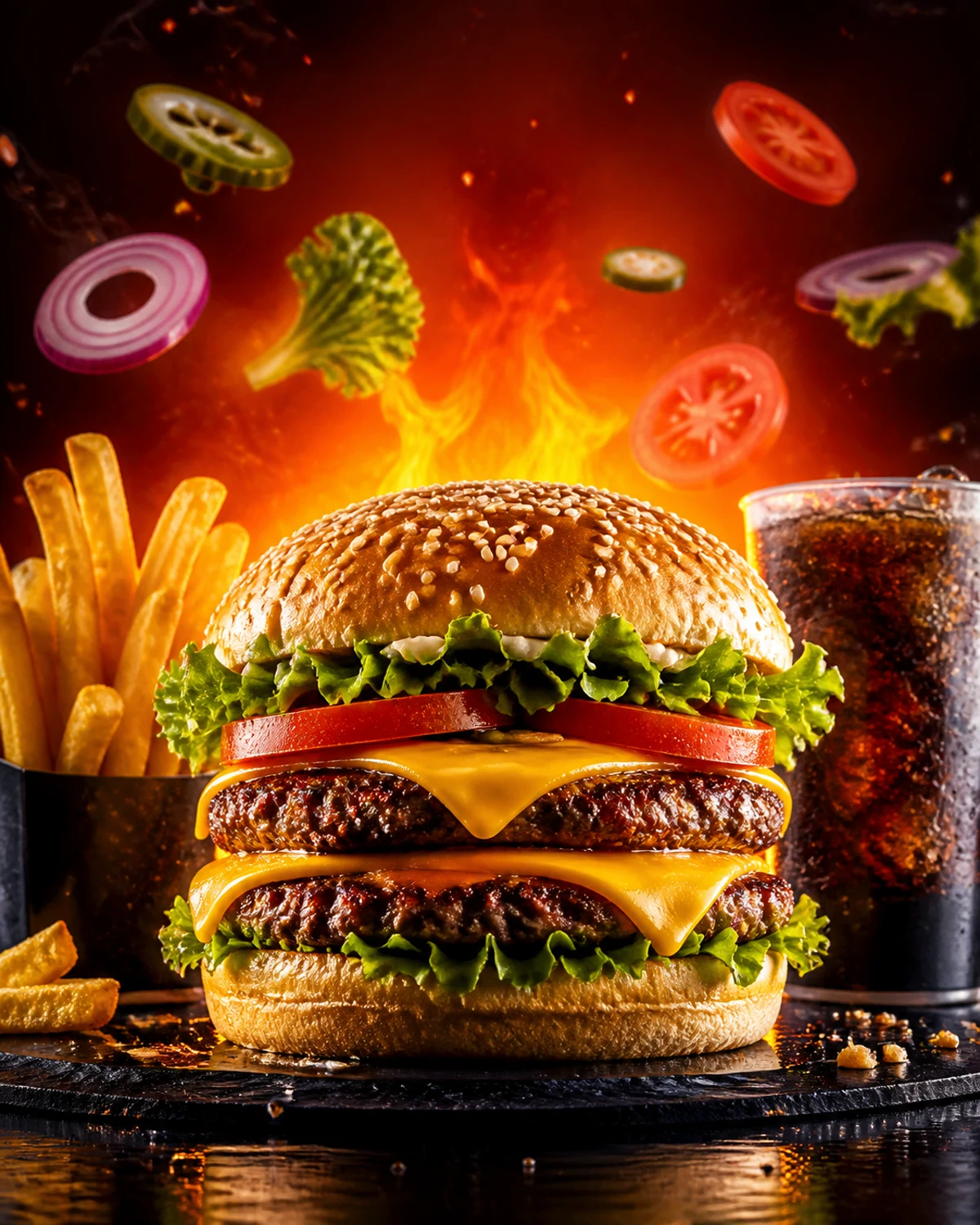
See the exact physics, light or material failure — then direct a targeted correction instead of rerolling blind.
The Director asks the right questions, locks your product truth, writes the prompt for you and scores every draft — inside your own AI.
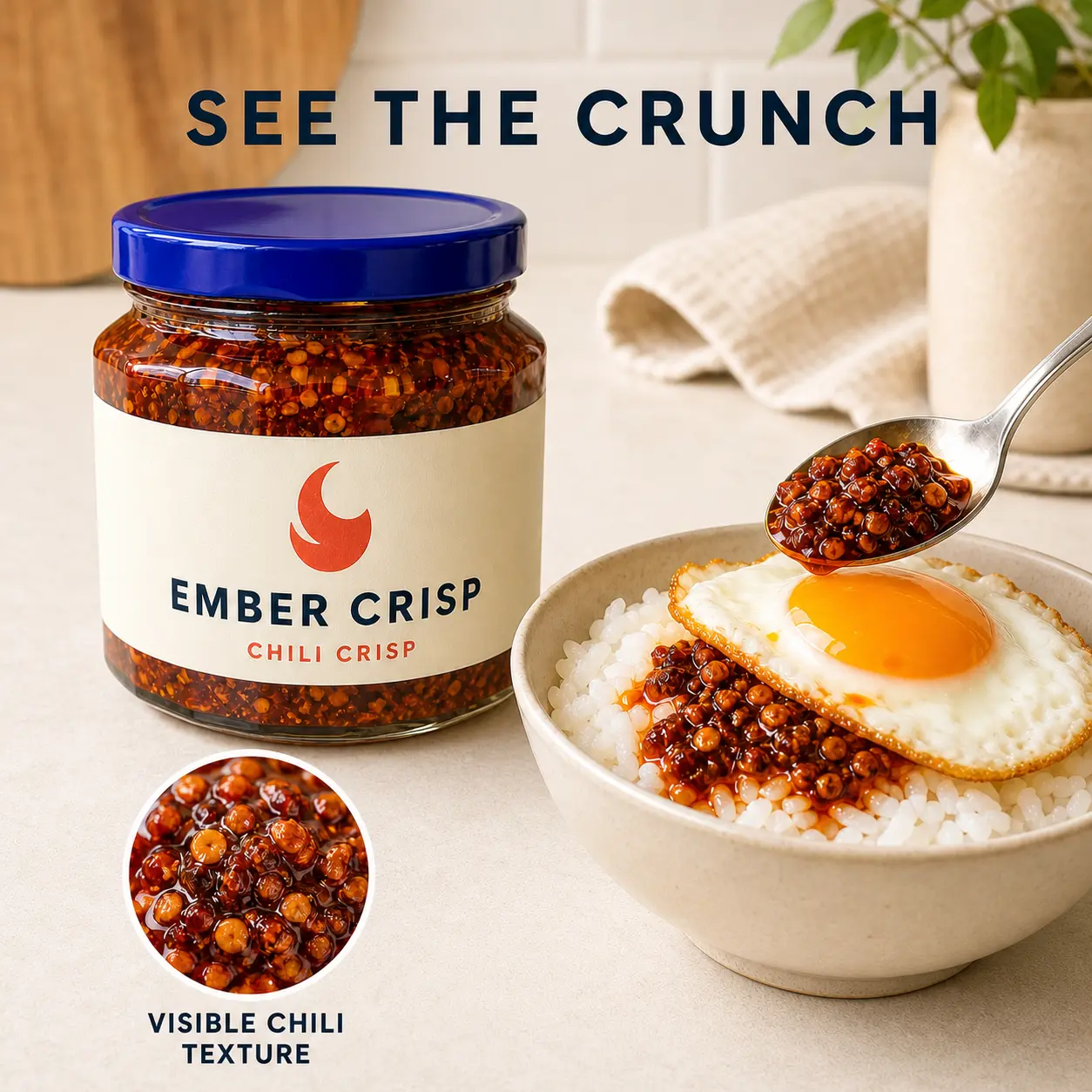
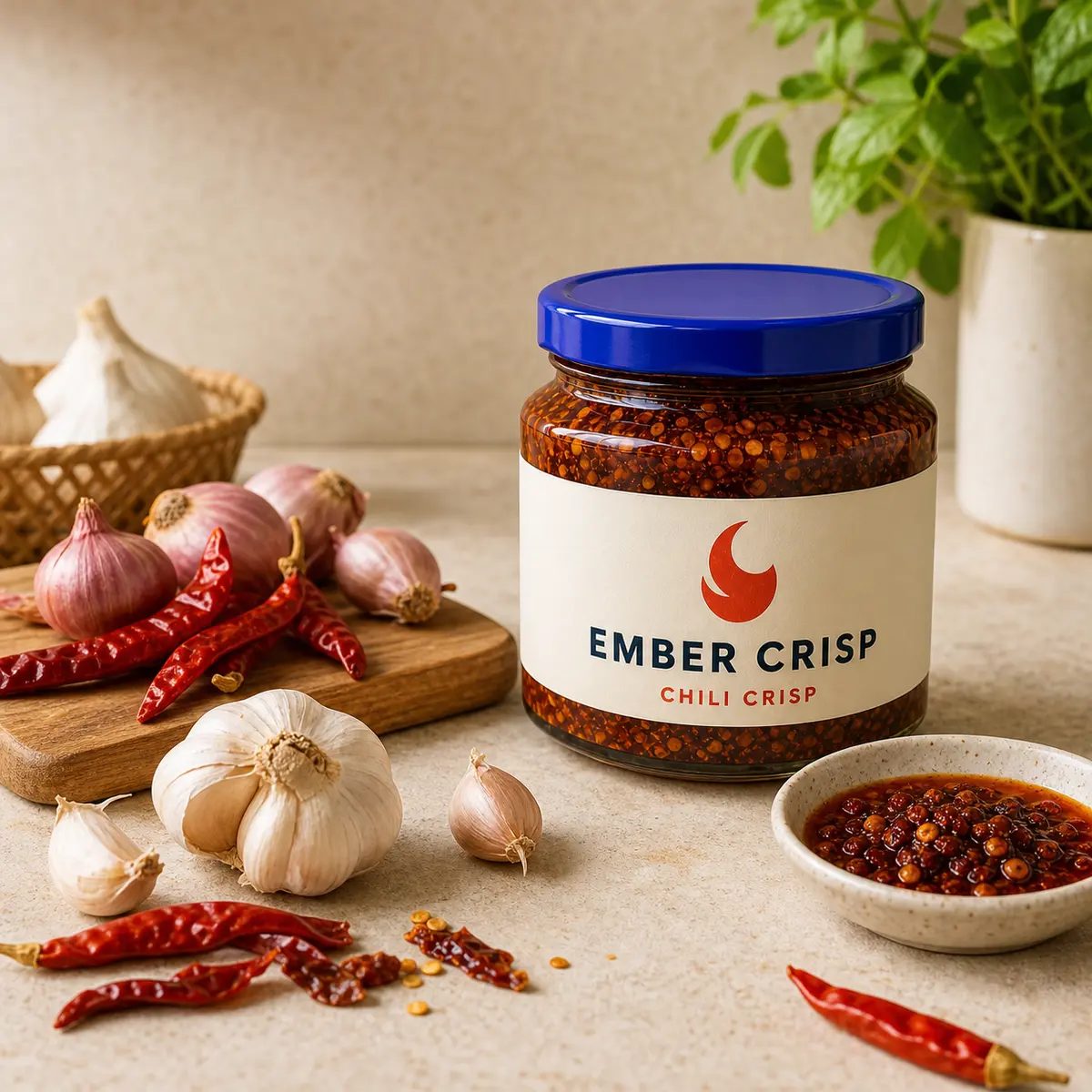
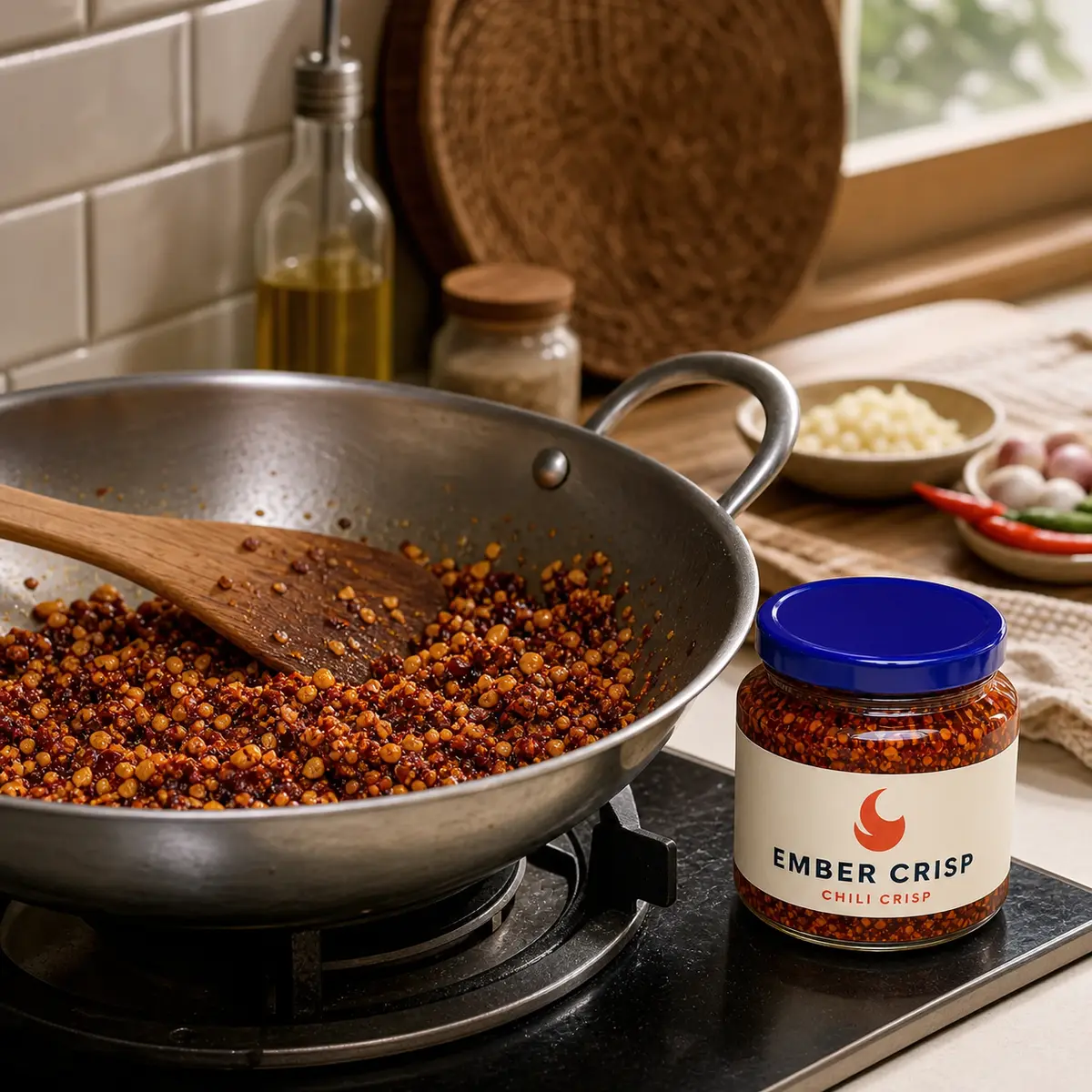
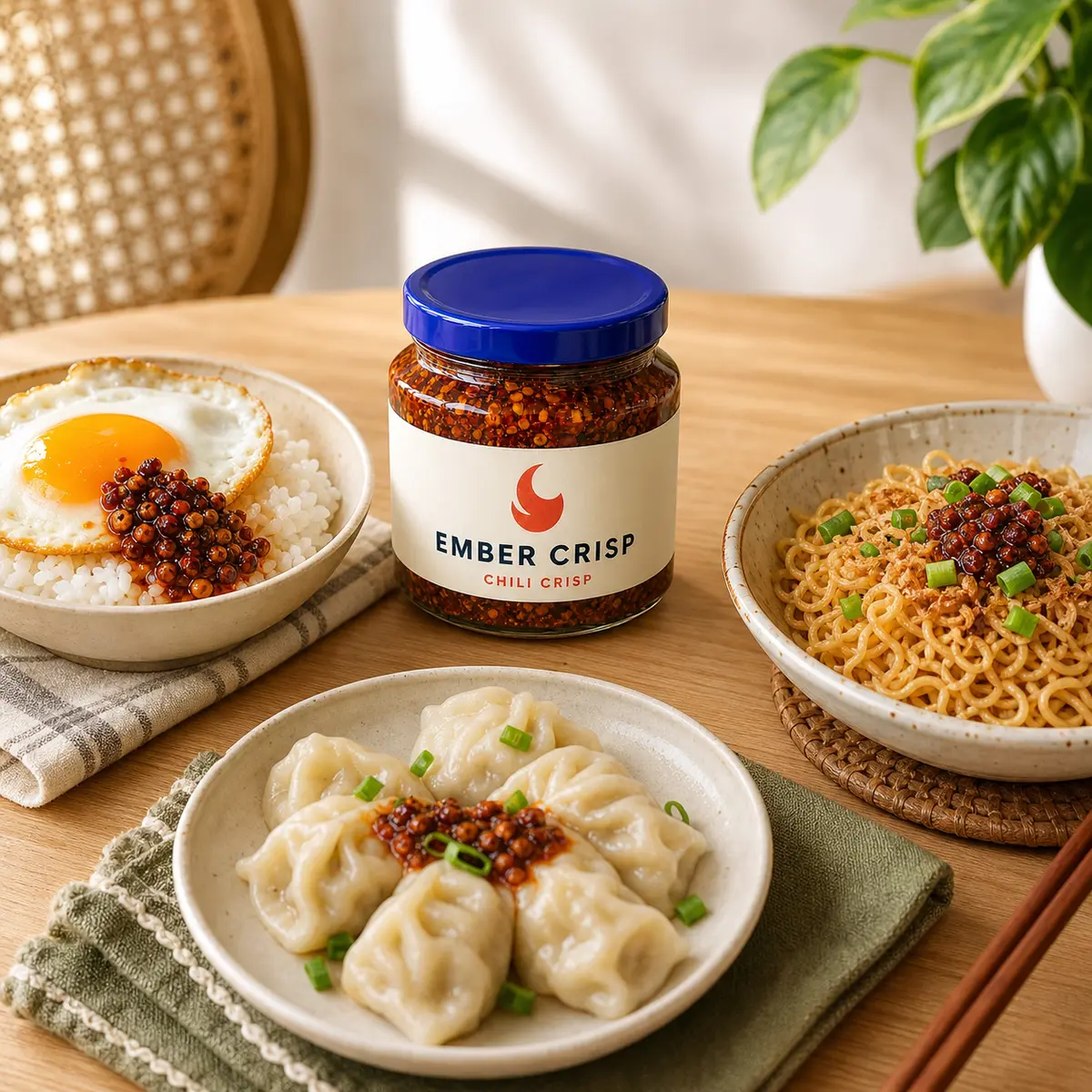
The Designer identifies provable product attractions, then sequences appetite, ingredients, recipe/process, serving situations and purchase objections into one listing. Demonstration claims are fictional teaching assumptions; real merchants must replace them with verified product facts.
| What you need to do | RM49 First frame | RM99 Direct | RM299 Campaign | Video Motion |
|---|---|---|---|---|
| Diagnose image realism defects | ✓ | ✓ | ✓ | ✓ |
| Lock product truth and source-frame evidence | Manual | Director | Designer | ✓ |
| Build and correct image prompts | Template | Guided | Guided | ✓ |
| Plan Shopee listings, posters and buyer questions | — | — | ✓ | ✓ |
| Direct motion physics and camera behavior | — | — | — | ✓ |
| Build shot continuity and final video assembly | — | — | — | ✓ |
*No artificial edit-count cap inside the guided workflow. Image-generation credits, platform limits and human design services are not unlimited.
The sales page keeps only the clearest proof. Open the dedicated Examples tab for human, food, product and motion breakdowns.
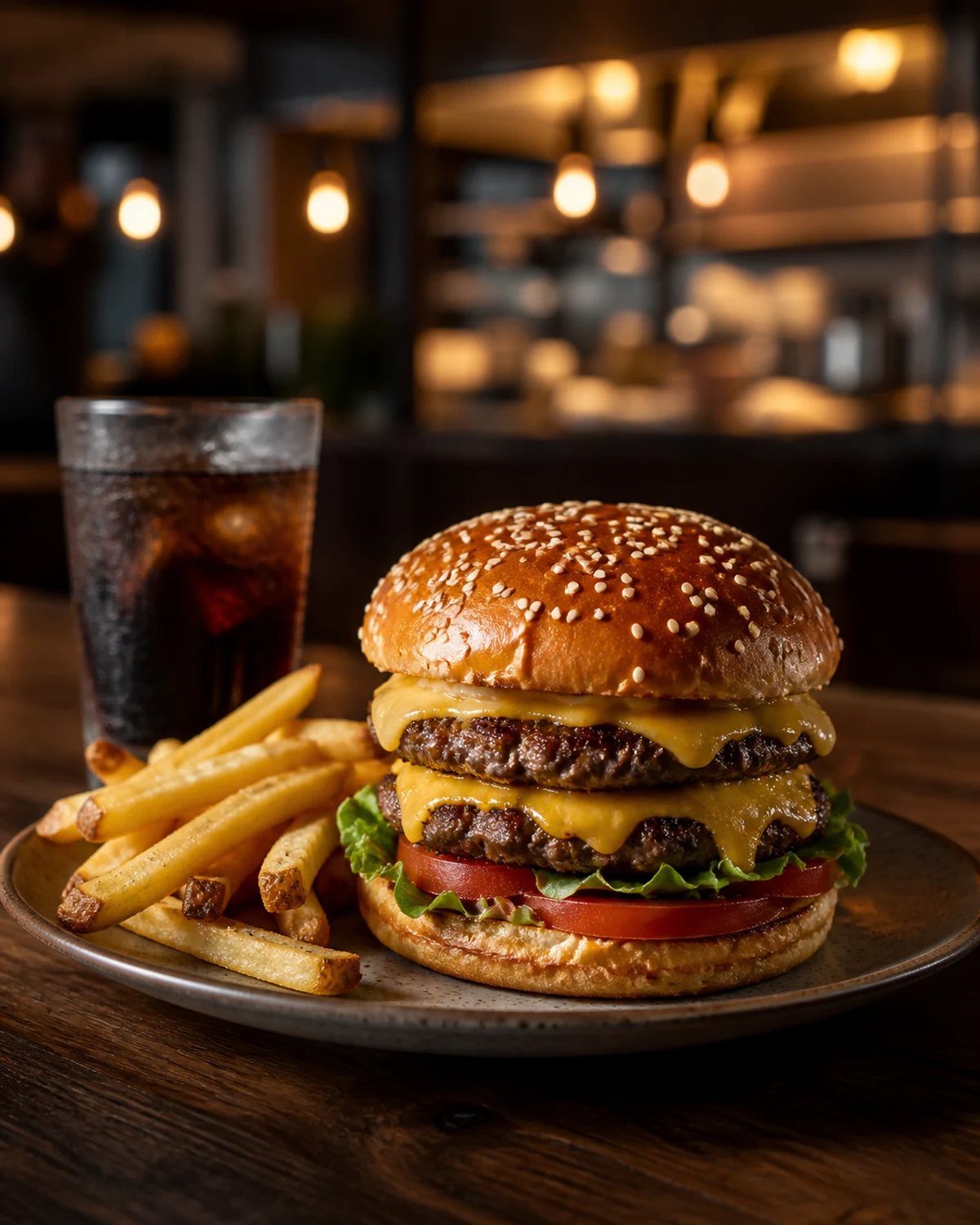
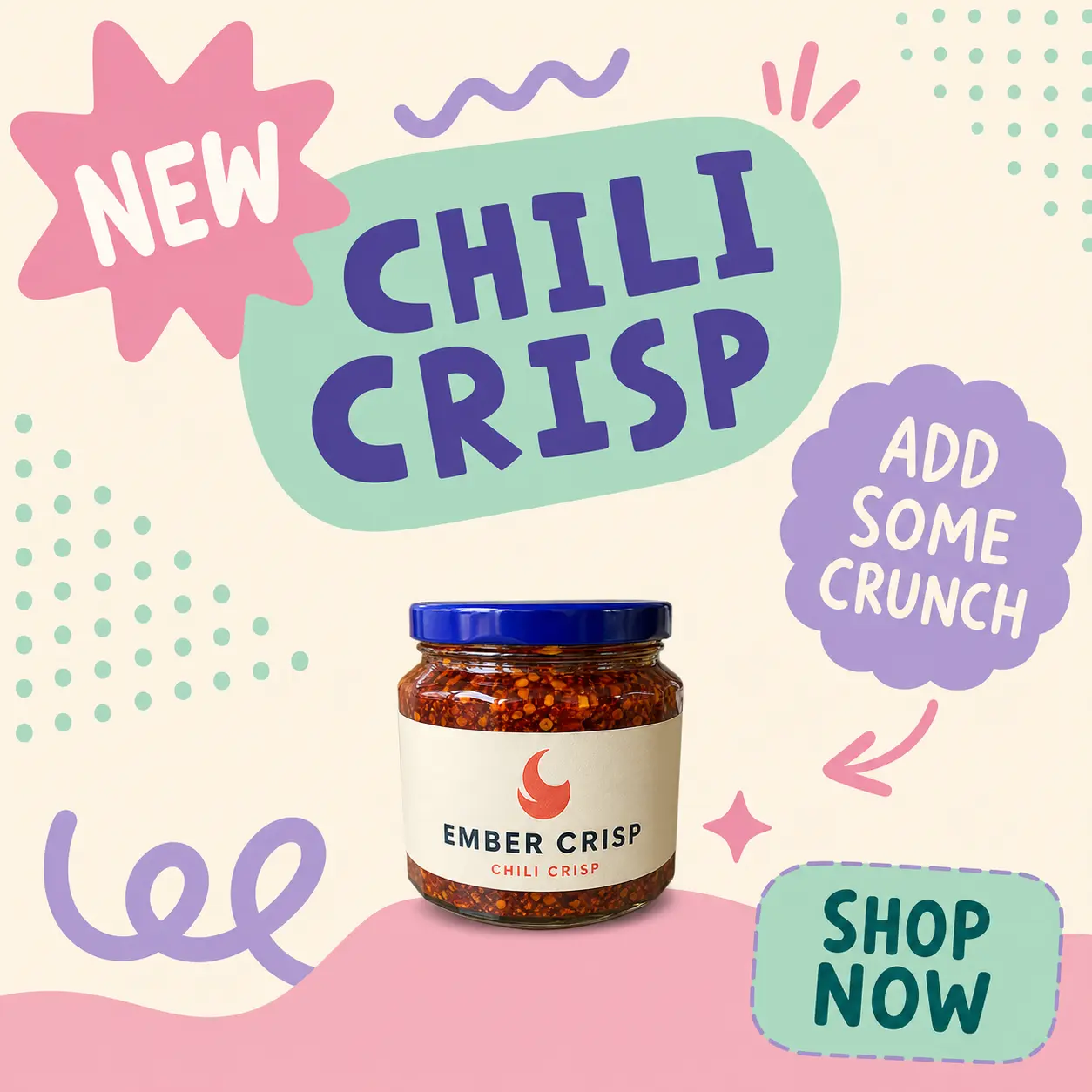
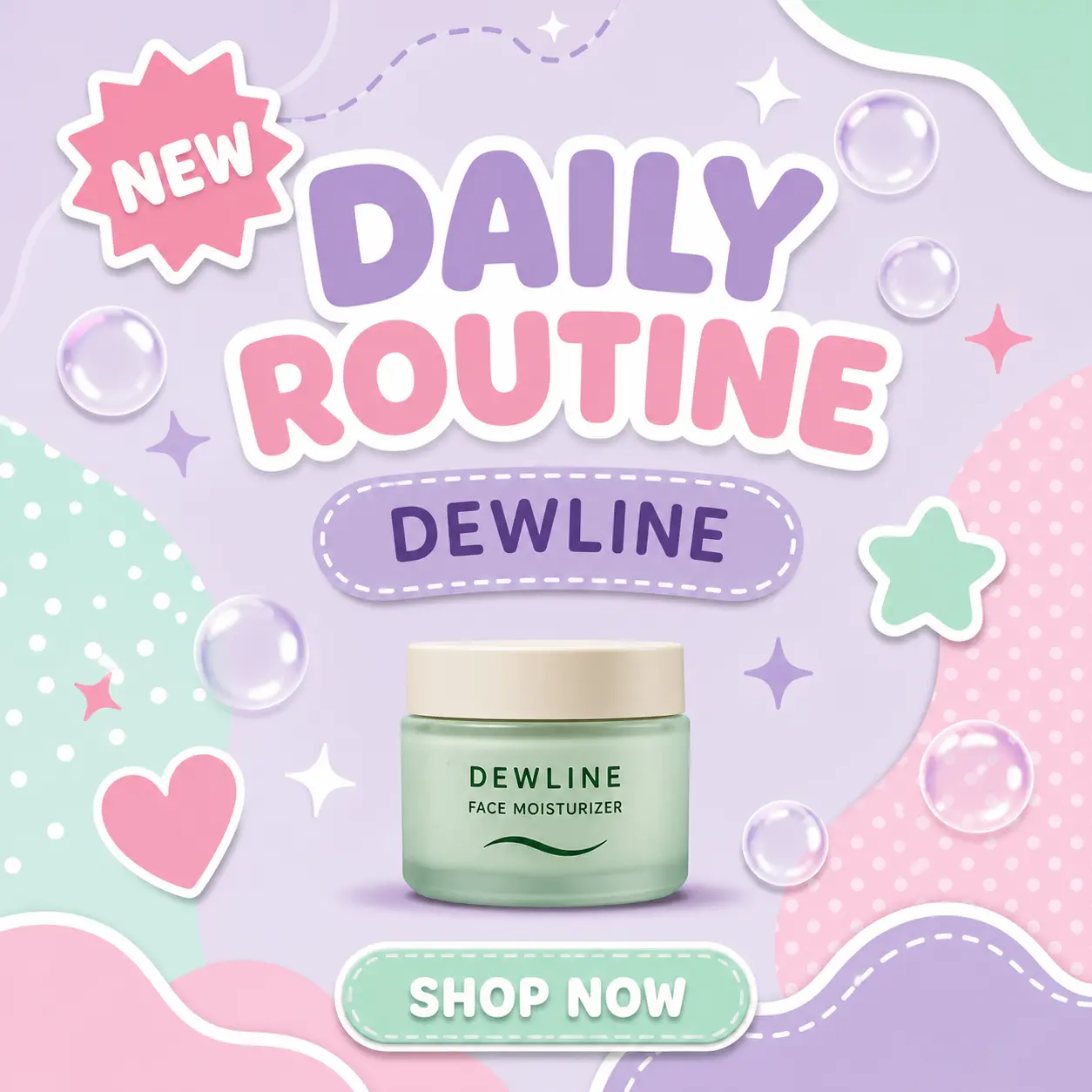
Left: what most AI product images look like without a direction system. Right: what happens when you direct instead of reroll. Same AI tools, completely different buyer perception — not a promise of conversion lift.
A generic fiery template makes the food feel synthetic. Directed work uses a credible table, ingredient texture, depth and controlled light.
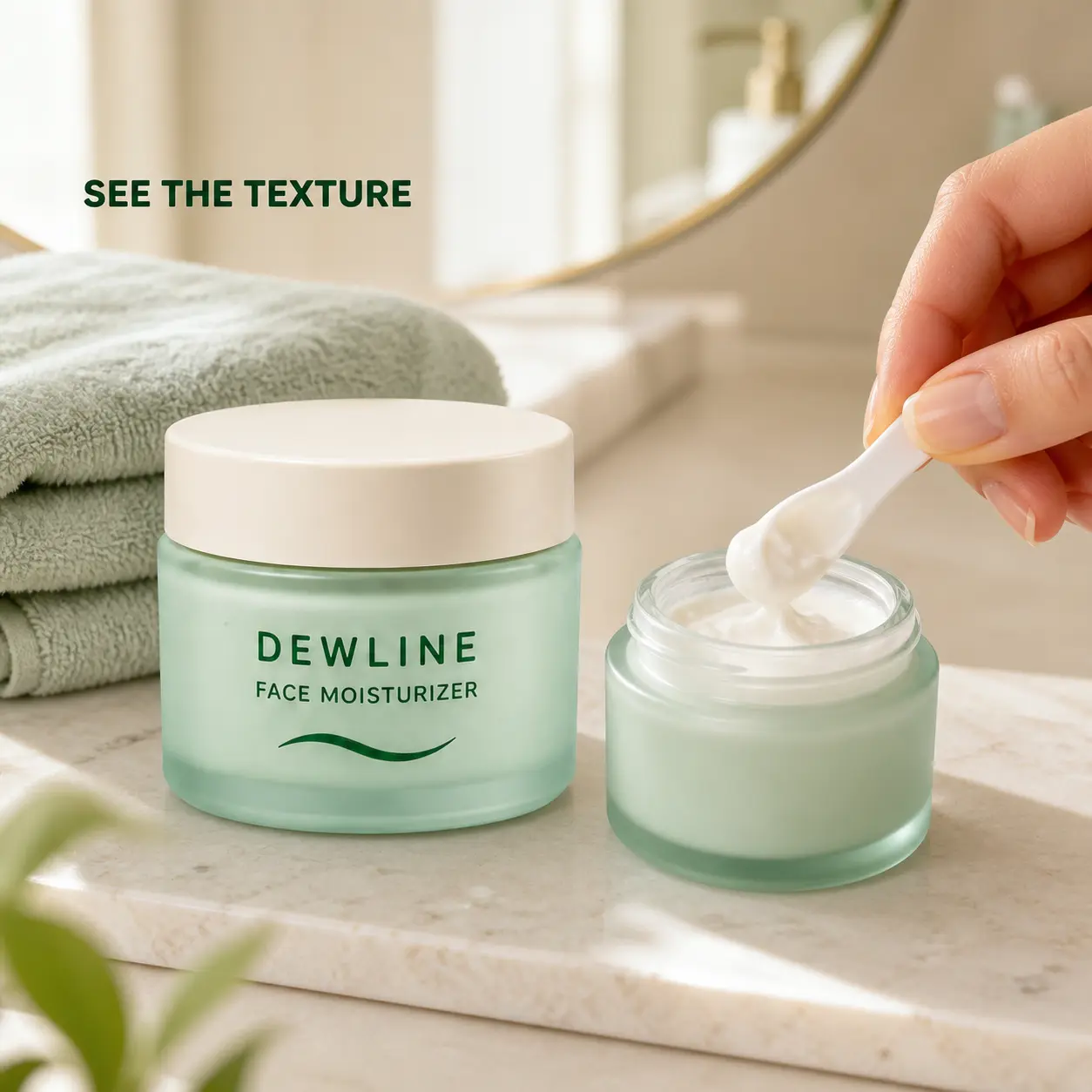
The directed frame keeps the fictional jar dominant, gives it a familiar serving context, and makes the visible texture work with—not against—the product identity.
Instead of decorative bubbles and sticker noise, the directed fixture uses a real-feeling vanity, a dominant product, an observable texture detail and a natural hand interaction.
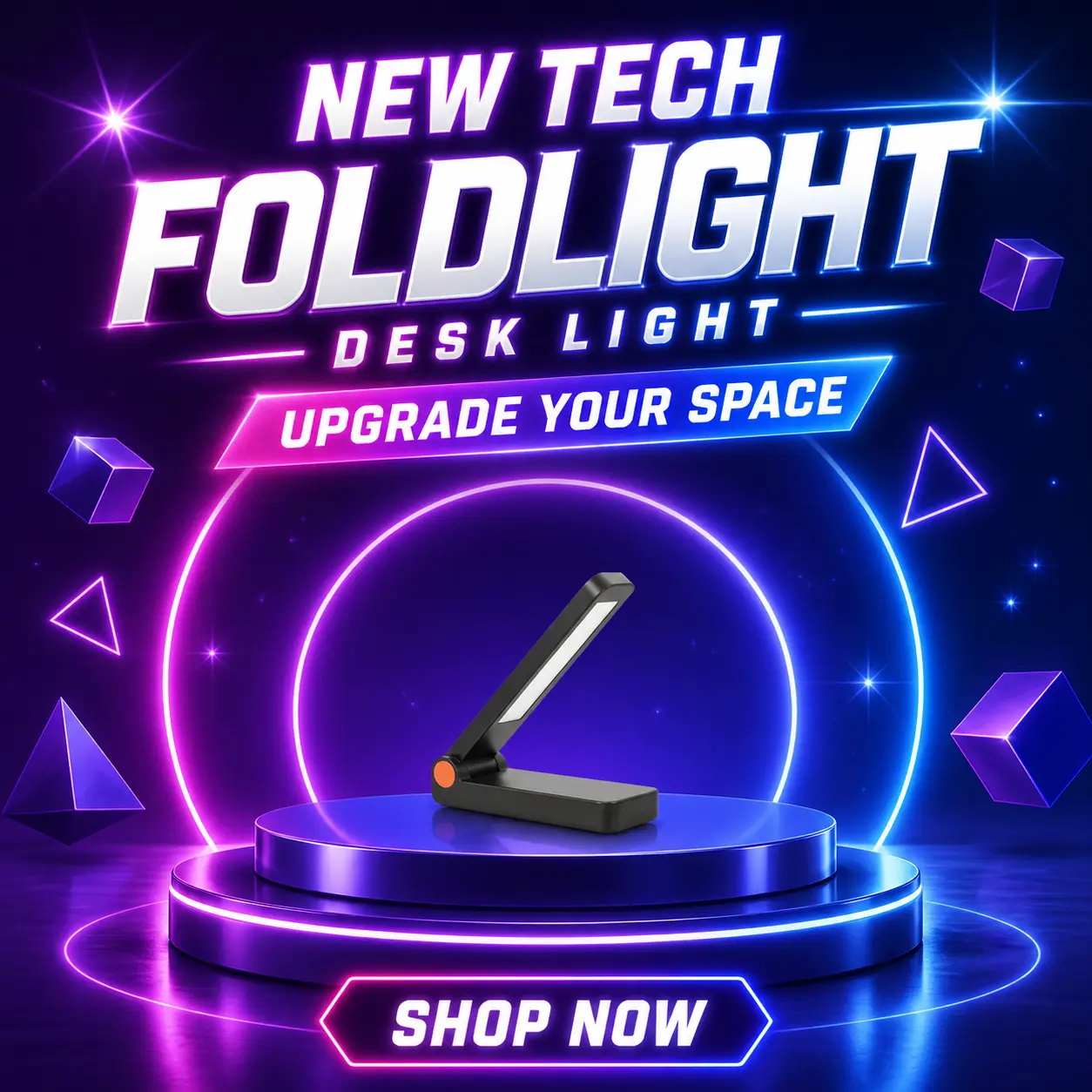
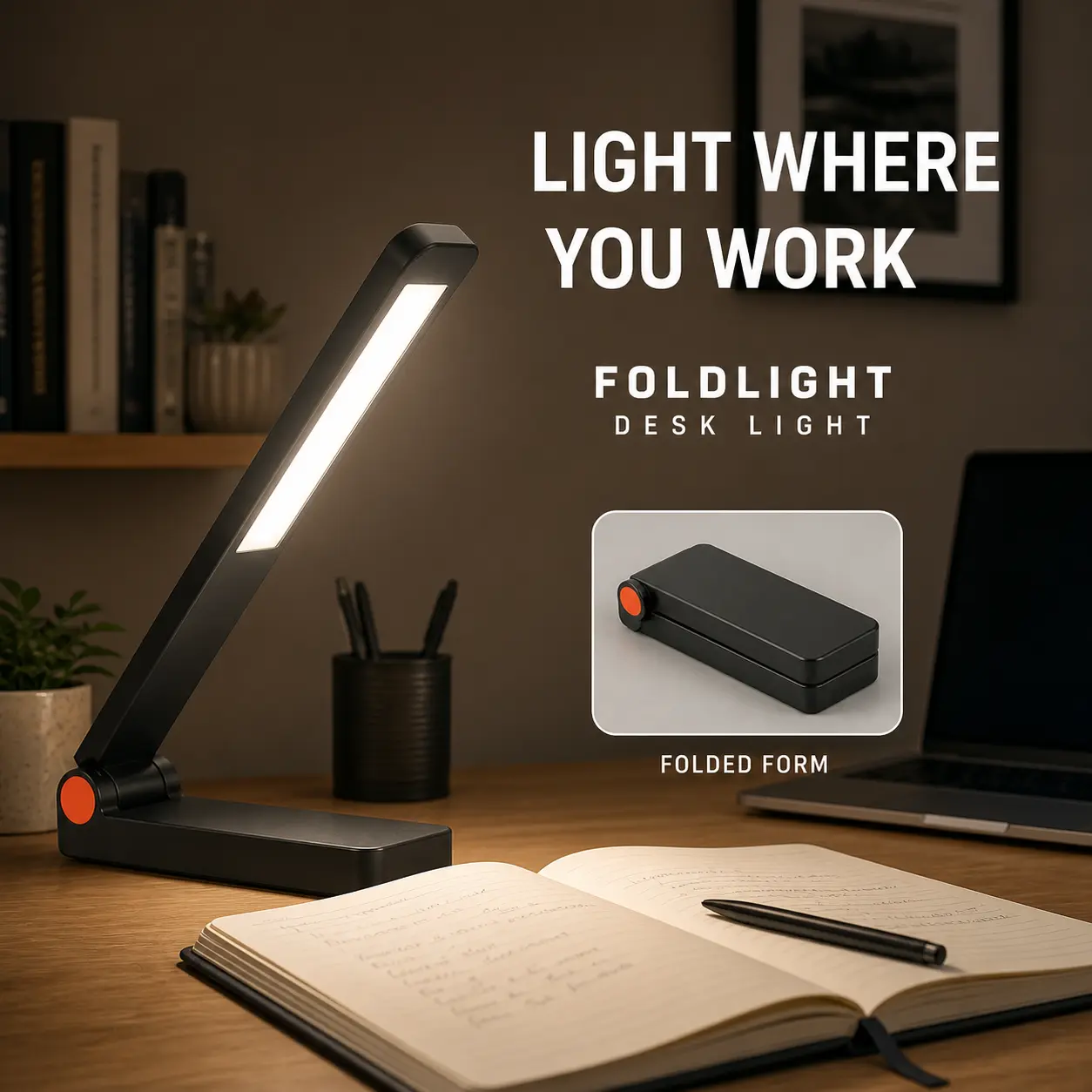
The realistic direction makes the fictional lamp’s form, hinge and light behavior legible inside a credible workspace rather than a disconnected neon stage.
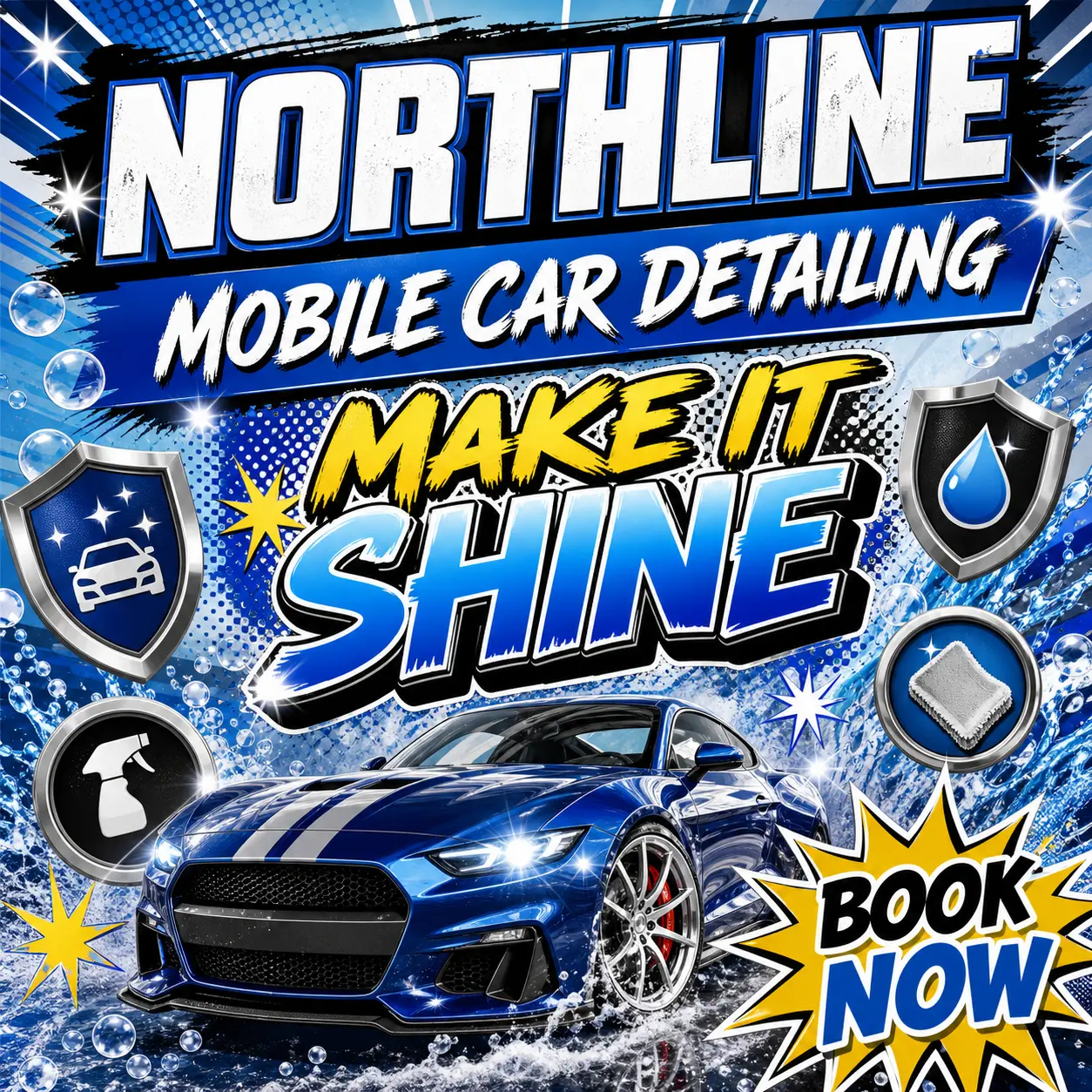
A directed service image shows a concrete location, activity and category. It avoids relying on exaggerated badges, claims and visual noise to explain the offer.

These videos were generated with AI tools and directed using the same realism system taught in this course. Tap to play.
The AI Ad Realism System teaches seven layers to control before and after generation. Every layer is observable, reviewable and reusable across tools.
Lock geometry, packaging, label hierarchy, color, finish and approved facts before the model improvises them.
Give the product a believable person, place, moment and reason to belong in the frame.
Check gravity, contact, grip, liquid, fabric, food, reflections and scale.
Direct a plausible viewpoint, framing, focus plane, depth and movement.
Use motivated light and category-correct surface behavior instead of synthetic gloss.
Add selective texture, asymmetry, wear and environmental detail—never random mess.
Freeze what passed, correct one defect at a time and keep a review trail across every shot.
These are fully synthetic, fictional teaching fixtures. They demonstrate the kind of scene direction the course teaches; they are not merchant work, customer proof or performance evidence.
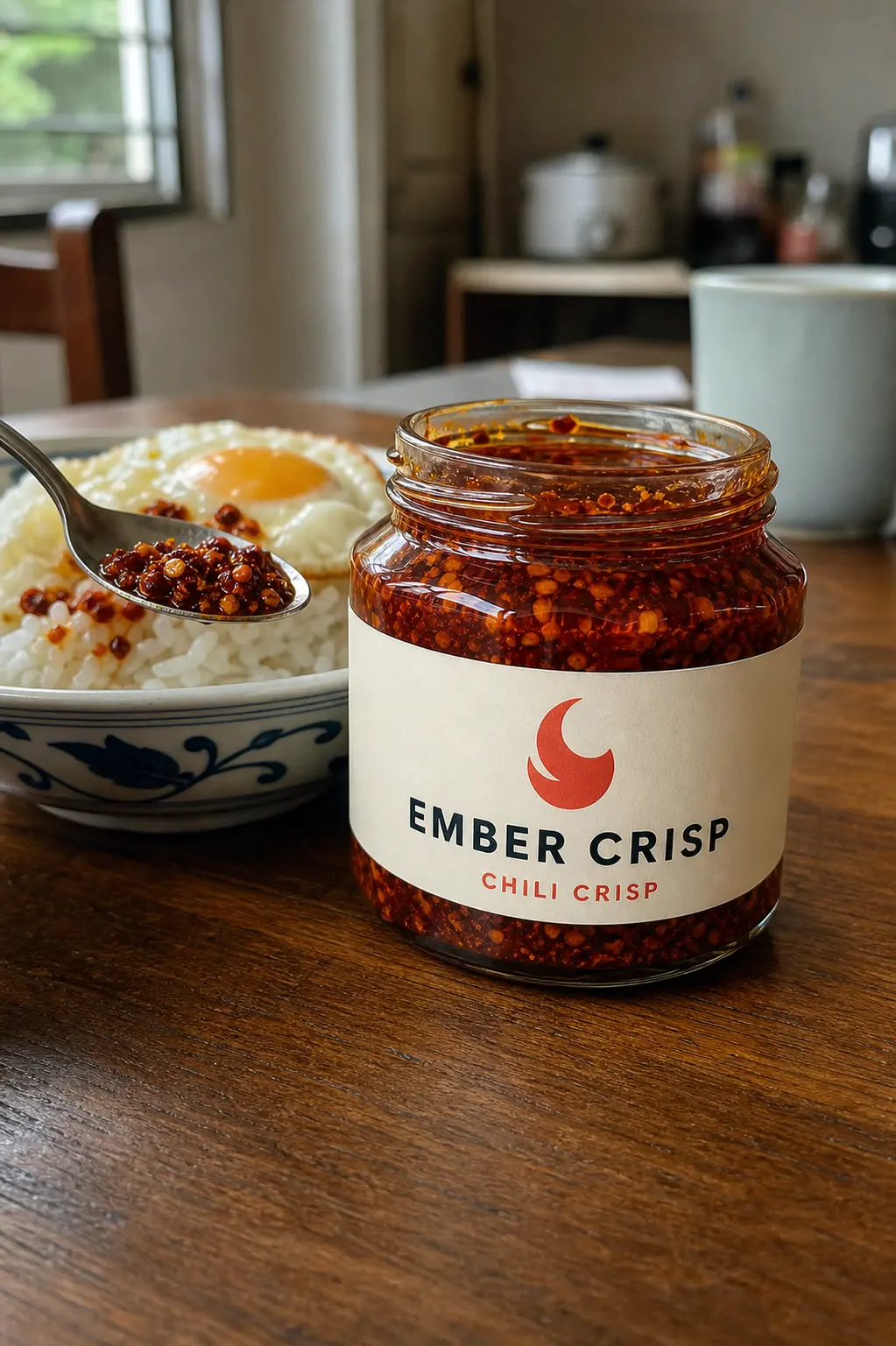
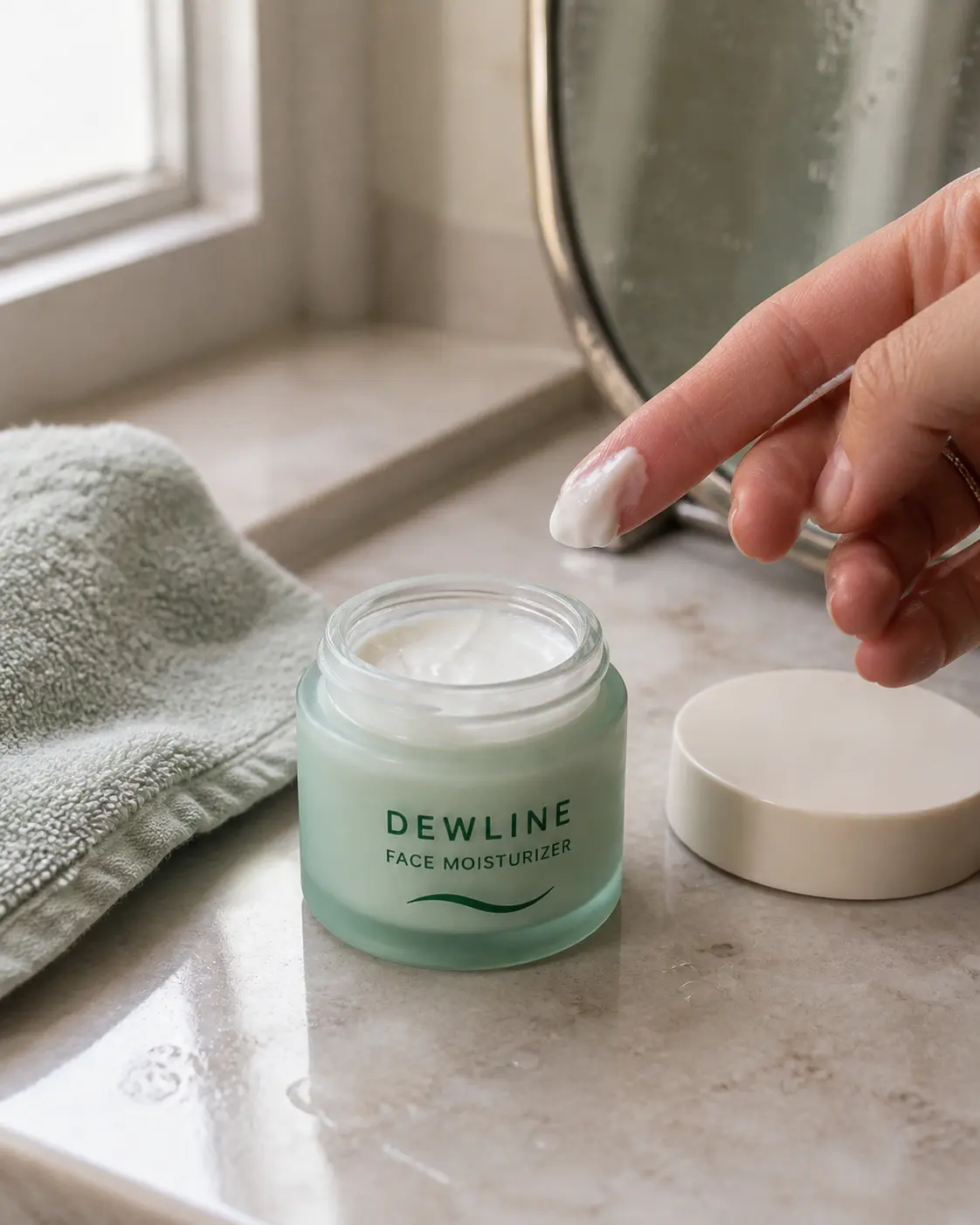
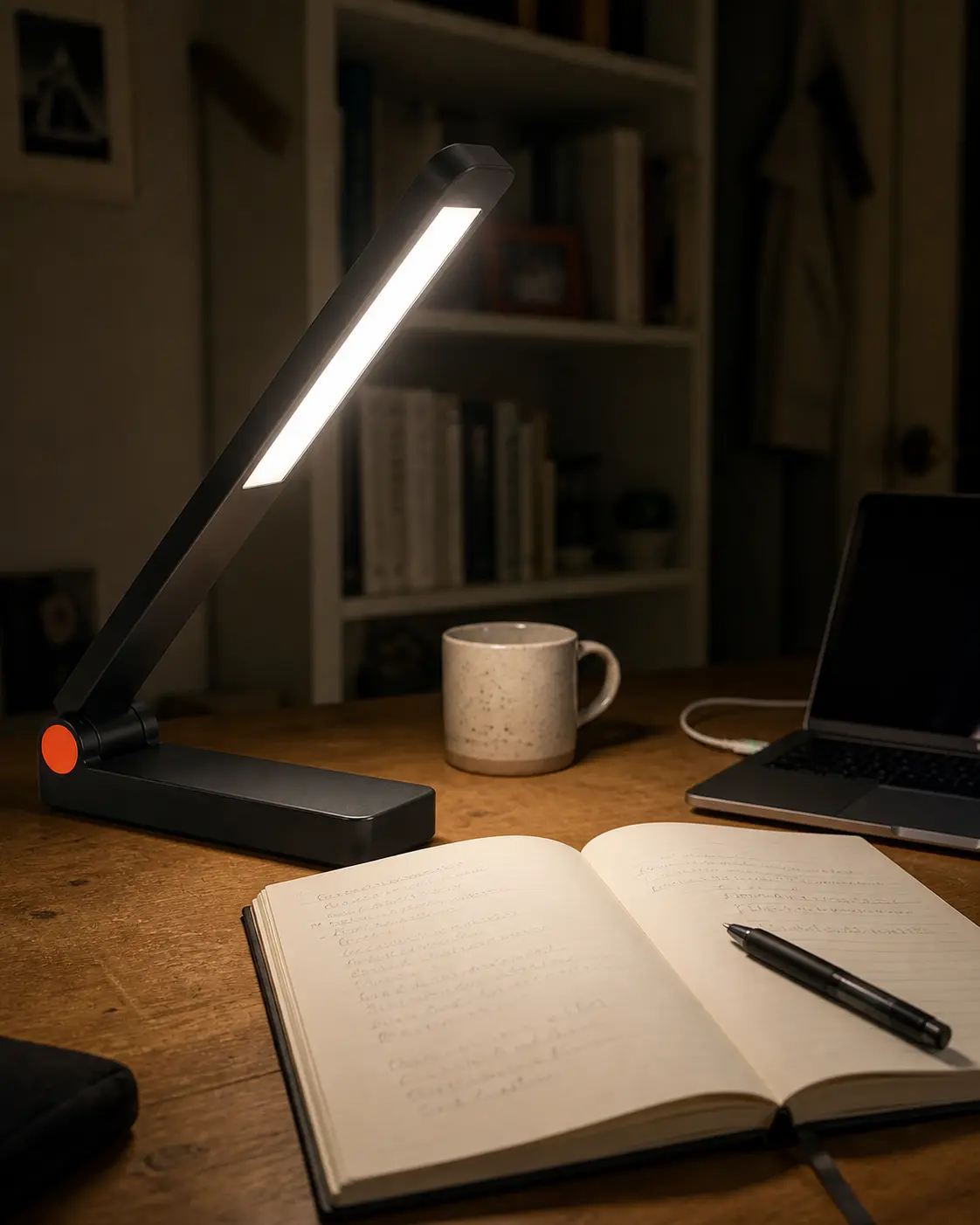
The course is built around a real production loop, not an endless collection of styles and prompt fragments.
Diagnose the specific defect: product drift, bad contact, fake material, camera impossibility or generic scene.
Build the approved reference board and define what cannot change.
Set the ad job, scene, action, camera, light, material behavior and exclusions.
Use the realism scorecard before selecting a promising direction.
Keep passing elements frozen, revise one failure class, then return to human review.
Each module uses worked examples, guided practice, independent builds and evidence checks.
See why a frame feels artificial and separate visual realism from product truth.
Build product references and believable moments before image generation.
Control camera, light, materials, imperfection and surgical correction for photorealistic results.
Turn realistic images into conversion-directed creative hypotheses. Plan listing roles and use the Smart Prompt Builder to prepare controlled tests.
Score variants, run controlled tests and package the review trail for continuous improvement.
Movement physics, camera language, continuity rules and directing cinematic product video with AI.
Color grading, sound design, pacing, export specs and assembling final cuts for human QA before platform use.
Finish with a system that your team can review, revise and reuse—not a folder of unexplained generations.